.ai / STEAM

CFEG · Online & Open to Anyone

Build. Code. Engineer.

An accredited grades 7–12 STEAM track — Robotics, AI, and Engineering — plus expert-led session courses in eight areas that any learner, at any age, can join, from anywhere. All of it on a learning platform CFEG built itself.

New to CFEG? Start with enrollment. Taking an expert session, or already a CFEG student? Go straight to course registration.

School track Grades 7 – 12
Expert sessions Any learner, any age
Format Online + in-person cohort
Platform app.cfeg.ai

01  ·  The school track

The school track.

These three run as CFEG’s accredited in-school STEAM track for grades 7–12. Each course stands on its own and each one feeds the next: students who take all three finish the year having designed a part, printed it, bolted it to a robot, and written the code that decides what the robot does when it sees something.

CFEG also runs expert-led session courses in eight areas that anyone can join — those are right below.

01 / ROBOTICS

Robotics

Makeblock mBot2 · CyberPi · mBlock 5

Students build a real robot, then teach it to do something useful. We start in drag-and-drop blocks so nobody is locked out on day one, and finish in Python on the same hardware.

  • Assemble and wire an mBot2 from the box up
  • Program in mBlock 5 — blocks first, then real Python
  • Read live sensors: ultrasonic, line-follow, gyro, light
  • Loops, conditionals, variables, and functions on hardware
  • End-of-term challenge: an autonomous course run

Students leave with A working robot they programmed themselves, and Python they can read.
02 / ARTIFICIAL INTELLIGENCE

AI

How machines learn · and where they go wrong

Not a tour of chatbots. Students train a small model, watch it fail, figure out why, and fix the data — which is how AI actually gets built.

  • Train an image classifier and test it on real photos
  • Give a robot computer vision: see it, name it, act on it
  • What training data is, and how bias gets baked in
  • Prompting, tokens, and why models make things up
  • Ethics, privacy, and student data — discussed, not skipped

Students leave with A trained model, a working demo, and a clear head about the hype.

03 / ENGINEERING

Engineering

Design cycle · CAD · fabrication · test

The full loop: define the problem, sketch it, model it, print it, break it, and do it again with what you learned. Documentation counts here.

  • The engineering design cycle, run start to finish
  • 3D modeling in CAD, exported and printed
  • Structures, forces, gearing, and mechanical advantage
  • Measurement, tolerance, and iteration logs
  • Capstone: a part that solves a real problem on campus

Students leave with A physical prototype and an engineering notebook to show for it.

02  ·  Expert sessions

Learn from working experts.

Eight course areas, taught online by people doing the work right now. These are open to any learner of any age — you do not have to be enrolled at CFEG, and you do not have to be in high school.

  • Tech, AI & Vibe-Coding

    Building with AI tools, applied across agriculture, sport, medicine, finance, entertainment, and education.

  • XR, Spatial Mapping & Gaming

    Virtual and augmented reality, mapping real-world spaces, and how games get made.

  • Robotics & Physical Vocational

    Hands-on robotics and the physical trades that build and maintain real systems.

  • Engineering using CAD

    Designing parts on a computer that can actually be manufactured.

  • College & Career Readiness

    Applications, interviews, portfolios, and deciding what comes next.

  • Law & Legal Tech

    How the law actually works, and the tools changing how legal work gets done.

  • Business & Consulting

    Starting something, running it, and advising the people who do.

  • Film & Storytelling

    Writing, shooting, and cutting a story people want to watch.

These eight areas map directly to the CFEG incubator and learning labs being built in each field. That is why the list looks the way it does.

WHO CAN JOIN

Any learner, any age

These sessions are not only for enrolled students. They are also for builders, founders, startups, operators, and investors who want practical, expert-led skill-building in these areas — wherever they’re based.

HOW IT RUNS

1 to 5 sessions

Taught online by working professionals. Each session runs from 1–2 hours up to a full day, scheduled across quarters in Fall and Spring. You can take more than one area.

WHAT YOU NEED

A laptop — or ask us

Bring your own laptop, or request one and CFEG provides it. There is also an in-person cohort option for learners who want to build alongside peers.

See session options

03  ·  The platform

The STEAM LMS.

Every lesson, quiz, assignment, and grade lives in one place at app.cfeg.ai — built by CFEG for CFEG, so a student always knows exactly where they stand.

  • Lessons, study guides, and quizzes Auto-graded checks with instant feedback, plus printable study guides for the kitchen table.
  • Progress a student can actually see Grade, completion, and time-on-task on every screen. No hunting for whether you’re passing.
  • Code submissions, graded in place Students submit Python straight from the lesson. Teachers comment on the line, not in an email thread.
  • Runs on a school Chromebook Light pages, no plugin, no install. Designed for real classroom Wi-Fi, not a demo laptop.
  • Built for minors, on purpose WCAG 2.1 AA accessibility, encrypted data, role-based access, and audit logs. FERPA and COPPA drive the design, not an afterthought.

04  ·  The school year

How a term runs.

No mystery, no surprises. This is the shape of a term in the accredited school track for grades 7–12, so students and families know what they are signing up for before they sign up for it.

The expert-led sessions run differently — 1 to 5 sessions each, from 1–2 hours up to a full day, across quarters in Fall and Spring.

WEEKS 1–3

Build the thing

Kits come out of the box. Students assemble, wire, and drive a working robot before writing a line of code.

WEEKS 4–9

Blocks to Python

Weekly lessons in the LMS with auto-graded checks. Block coding first, then the same programs rewritten in Python.

WEEKS 10–14

Sensors, vision, and AI

The robot starts making its own decisions. Students train a model, connect it, and test where it breaks.

WEEKS 15–18

Capstone and demo day

Teams design, print, build, and program a solution to a real problem, then present it to the school and families.

05  ·  Graduates

Meet the graduates.

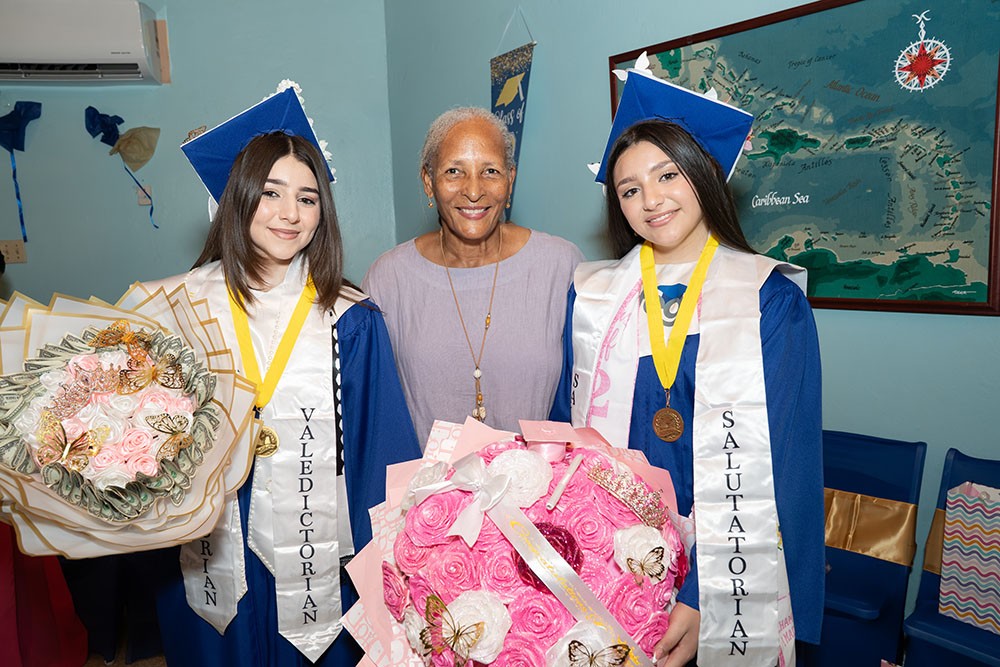
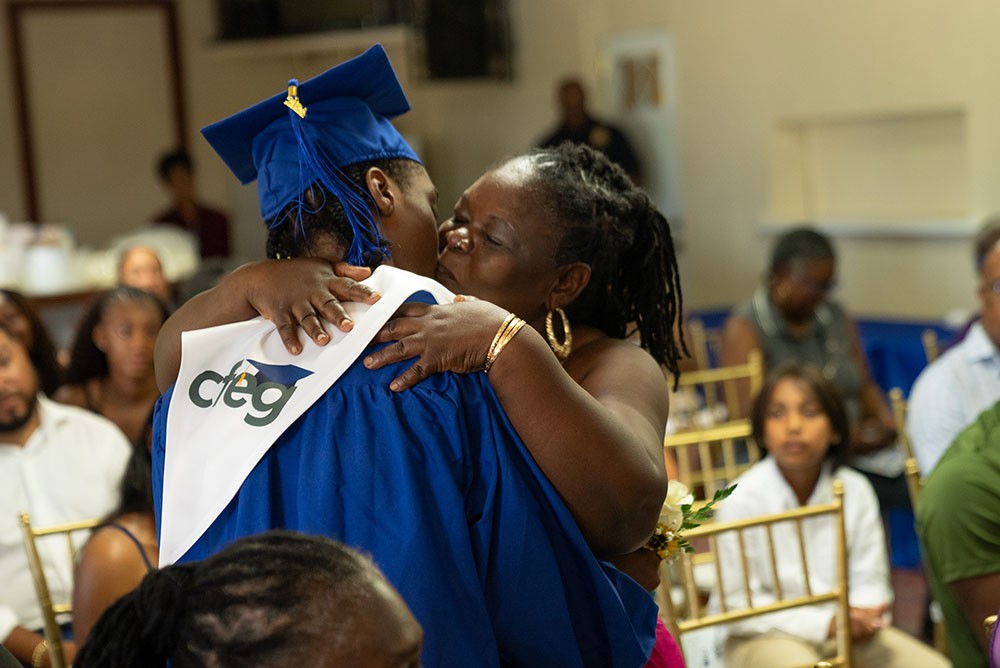
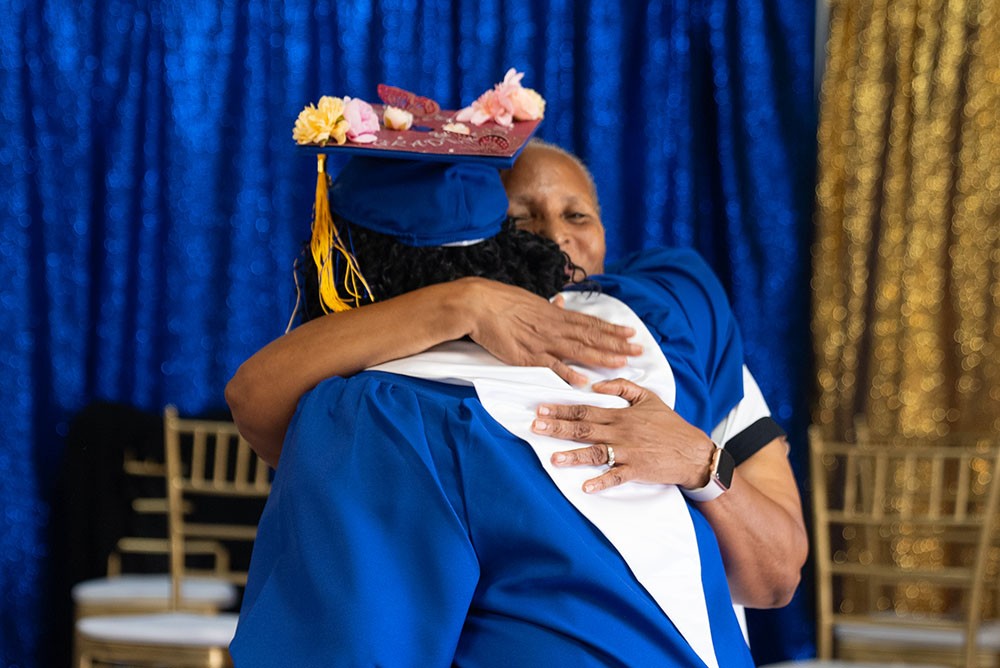
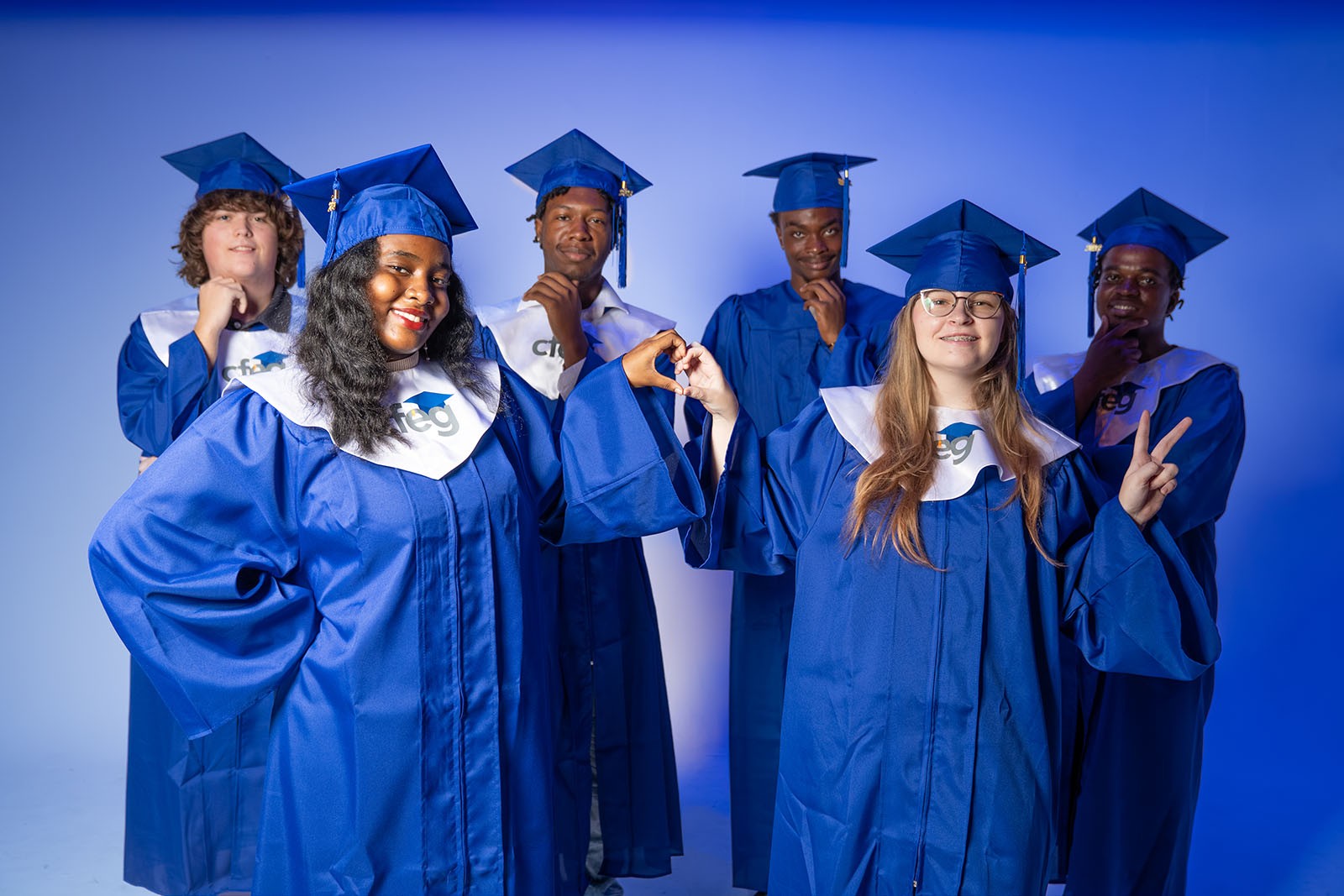
This is what week 18 looks like. Every cap and CFEG stole in these photos belongs to a student who started with a robotics kit and a login, and finished walking a stage.

06  ·  Registration

Two forms. That’s it.

Pick the one that matches where you are. If you are not sure, start on the left — enrollment first, courses second. Registration for this term is open Mon, Aug 17 – Thu, Sep 17, 2026.

New to CFEG

Student enrollment

For families joining CFEG for the first time. This is the school enrollment form — it covers the student record, guardians, and program selection.

  1. Complete the CFEG enrollment form
  2. Upload records and guardian information
  3. Come back here and register for your courses
Enroll at CFEG (opens in a new tab)

Hosted securely on RegPack. Opens in a new tab.

Course registration

AI, Robotics & Engineering courses

This one form covers all eight expert-led course areas, the in-person cohort option, and the accredited STEAM courses. Students already enrolled at CFEG take the expert-led courses free of charge.

  1. Pick your course areas — you can choose more than one
  2. Choose online sessions, the in-person cohort, or both
  3. Say whether you are bringing a laptop or need one from CFEG
  4. Get your app.cfeg.ai login before day one
Register for courses (opens in a new tab)

See current session options and pricing on the registration form. Hosted securely on RegPack. Opens in a new tab.

CFEG is a non-profit. The registration form includes an optional monthly donation that funds more programs and wider access to education — entirely up to you.

07  ·  Questions

Fair questions.

Does my student need coding experience? Expand answer

No. Every course starts in drag-and-drop block coding, which is designed for people who have never written a line of code. Python comes later, on the same robot, once the ideas already make sense.

Do I have to be a middle or high school student to take a course?

No. The expert-led session courses are open to any learner of any age, and you do not have to be enrolled at CFEG to take one. The accredited three-course STEAM track — Robotics, AI, and Engineering — is the in-school program for grades 7–12.

What equipment does my student need?

CFEG is an online school, so each learner needs their own tablet or laptop and an internet connection. Everything runs in a web browser — there is nothing to install. If you do not have a laptop, say so on the registration form and CFEG will provide one. Robot kits and lab equipment for the courses that use them are supplied by the school.

Can a student take just one of the three courses?

Yes. Each course is a complete course on its own. Taking all three in the same year is the strongest path, but it is not required. The same goes for the expert-led areas — take one, or take several.

What happens to my student’s data?

Their schoolwork and grades stay inside CFEG’s own learning platform, and only their teachers and school staff can see them. We do not sell student information, and we do not run ads or tracking on this site. This page collects nothing at all — when you register, you are handed off to RegPack, which handles that securely on their own site.

Is the course accessible for students with disabilities?

The LMS is built to WCAG 2.1 Level AA: keyboard navigation, screen reader support, and tested color contrast. If your student needs a specific accommodation, tell us during enrollment and we will plan for it before day one.